
How you pay
You subscribe inside the Haiya app, and the App Store or Google Play bills you. Cancel any time from your store account.
Haiya plans cost $8–$89 a month, and every plan starts with a 3-day free trial in the iPhone or Android app. The App Store or Google Play bills you for the plan. Meta bills your business directly for WhatsApp message fees, and Haiya adds nothing on top.
Prices are shown in US dollars.

For solos & side projects
$8$80/ month/ year
Or $80 a yearBilled once a year, save 17%
Everything every plan includes.
For growing teams
$39$390/ month/ year
Or $390 a yearBilled once a year, save 17%
Everything every plan includes.
For busy, multi-number teams
$89$890/ month/ year
Or $890 a yearBilled once a year, save 17%
Everything every plan includes, plus the Team assistant, which runs on your own AI provider account.
For larger teams and special arrangements
Let's talk
Agreed with the Haiya team and paid by invoice, not through a store.
Every plan has the same inbox, CRM, broadcasts, automations and AI agent. You pay more only when you add numbers, people or volume. The one exception is the Team assistant, on Business and Custom.
Open any line to see what it means.
| Feature | Hobby$8 / month$80 / yearStart free trial | Professional$39 / month$390 / yearStart free trial | Business$89 / month$890 / yearStart free trial | CustomLet's talkTalk to us |
|---|---|---|---|---|
| Plan limitsThese five numbers are the whole difference between Hobby, Professional and Business, apart from the Team assistant. | ||||
WhatsApp numbersHow many WhatsApp Business numbers you can connect to one workspace. A sales line and a support line count as two. | 1 | 3 | 10 | Custom |
Team membersPeople who can sign in to your workspace, including you. Each person has their own login, so nobody shares a password. | 2 | 6 | 20 | Custom |
CRM pipelinesA pipeline is one set of stages a lead moves through, such as New, Quote sent, Won. Use separate pipelines for separate kinds of sale. Read more | 1 | 3 | Unlimited | Custom |
Broadcast recipients per monthHow many people you can send broadcasts to in a calendar month. Each person a broadcast goes to counts once. Replies and one-to-one chats never count. Read more | 1,000 | 10,000 | 50,000 | Custom |
Active automationsAutomations switched on at the same time. You can build and keep as many drafts as you like; only the ones running count. Read more | 2 | 10 | Unlimited | Custom |
Conversations per monthHaiya does not count or cap how many customers you talk to. Meta may still charge for some message types; see "What you pay Meta" below. | No cap | No cap | No cap | No cap |
Saved contactsThe number of customer contacts your workspace can hold. | No cap | No cap | No cap | No cap |
Media and file storageSpace for the photos, voice notes and documents sent and received in your chats. | Included | Included | Included | Included |
If you reach a limitNothing is deleted and nothing stops working. You simply cannot add one more until you upgrade or make room. | Nothing deleted | Nothing deleted | Nothing deleted | Nothing deleted |
| Price and billing | ||||
Free trialStart any plan free in the iPhone or Android app. The store asks for a payment method up front and charges it when the trial ends, unless you cancel first. | 3 days | 3 days | 3 days | Not included |
Haiya markup on Meta's message feesMeta bills WhatsApp message fees to your own payment method. Haiya never handles that money and adds nothing to it. | 0% | 0% | 0% | 0% |
Pay yearly for lessPaying for a year costs less than twelve months. The exact saving is shown on each plan. | Included | Included | Included | By agreement |
Billed through the App Store or Google PlayYou subscribe inside the Haiya app and the store handles payment, receipts and renewal. One subscription covers the whole workspace on every device and on the web. | Included | Included | Included | Not included |
Contract and invoice billingFor larger teams, a written agreement with Haiya and payment by invoice instead of a store subscription. | Not included | Not included | Not included | Included |
| Inbox and team | ||||
Shared team inboxThe whole team answers the same WhatsApp number at once, each from their own account, in the app or on the web. Read more | Included | Included | Included | Included |
Choose who sees which numberGive each teammate only the numbers they work on. Someone on the support line does not have to see the sales line. | Included | Included | Included | Included |
Customer ownershipEach customer has one owner at a time. When an owner or admin replies to a customer nobody owns, they become the owner; owners and admins can also assign a customer, or offer it to a teammate to accept or decline. Customers with no owner wait under one filter. | Included | Included | Included | Included |
Roles and permissionsFour roles: owner, admin, agent and viewer. A role decides what a teammate may do, such as sending broadcasts, managing billing or seeing every chat. The roles are the same on every plan. | Included | Included | Included | Included |
Team chatChannels and direct messages for your team, plus a private thread beside each customer chat where you can mention a colleague without the customer seeing. Read more | Included | Included | Included | Included |
Saved replies and slash commandsKeep the answers you type every day and drop one into a chat by typing a forward slash. | Included | Included | Included | Included |
24-hour window shown in every chatA business can reply without a template for 24 hours after the customer's last message. Haiya shows how long is left in every chat, and offers a template when the window has closed. | Included | Included | Included | Included |
Search across chats and messagesFind a customer, a phrase or a file across every conversation you are allowed to see. | Included | Included | Included | Included |
Contacts: tags, merge, block, opt-out, exportLabel contacts, join duplicates, block a number, record that someone asked not to be messaged, and export your list. | Included | Included | Included | Included |
| CRM | ||||
Leads and contactsTurn a chat into a lead in one tap, with an owner, a value and the next step. Read more | Included | Included | Included | Included |
Ready-made pipelines by industryStart from stages that suit your kind of business instead of a blank board, then rename them as you like. | Included | Included | Included | Included |
Pipeline rulesSimple rules that act when a lead moves, such as assigning an owner or setting a follow-up. | Included | Included | Included | Included |
Activities, notes and lost reasonsA history of calls, notes and follow-ups on every lead, and a recorded reason when a sale is lost. | Included | Included | Included | Included |
Lead capture linksA link or form on your website that drops a new enquiry straight into a pipeline. | Included | Included | Included | Included |
Leads from Meta Lead AdsPeople who fill in your Facebook or Instagram lead form arrive in Haiya as leads, ready to message. | Included | Included | Included | Included |
| Broadcasts and templates | ||||
Message templatesWrite a template, send it to WhatsApp for approval and track its status without leaving Haiya. Read more | Included | Included | Included | Included |
Broadcasts with schedulingSend an approved template to a chosen audience now or at a set time. | Included | Included | Included | Included |
Opt-outs and exclusions respectedPeople who asked not to be messaged, and any group you exclude, are left out of every broadcast automatically. | Included | Included | Included | Included |
Status for every recipientSee who a broadcast was sent to, delivered to and read by, and who it failed for. | Included | Included | Included | Included |
Click-to-WhatsApp ad reportingSee which ad a new chat came from, and the chats, leads and paid orders each ad brought. When a customer from an ad becomes a lead or pays, Haiya tells Meta, if a Meta dataset is linked to your WhatsApp account. | Included | Included | Included | Included |
| Automations and forms | ||||
Visual automation builderDraw what should happen when a message arrives: greet, ask a question, route to a teammate. Built in the web dashboard. Read more | Included | Included | Included | Included |
Automations in the mobile appsYou build and edit automations on the web. The iPhone and Android apps run them and show you what each one did. | Run and watch | Run and watch | Run and watch | Run and watch |
Test console and run historyTry an automation safely before it goes live, then see every time it ran and what it did. | Included | Included | Included | Included |
Gallery of ready-made automationsAutomations built by the Haiya team that you can switch on and adjust instead of starting from nothing. | Included | Included | Included | Included |
WhatsApp formsA form that opens inside the WhatsApp chat, for orders, bookings or sign-ups. The customer never leaves the conversation. Read more | Included | Included | Included | Included |
Call your own system from an automationAn automation step that sends data to, or fetches it from, your own website or software over HTTP. | Included | Included | Included | Included |
| Haiya AIHaiya does not sell AI credits or tokens. See each row for who bills what. | ||||
Knowledge: FAQs, files and web pagesTeach Haiya AI about your business by adding questions and answers, uploading documents or pointing it at your website. Read more | Included | Included | Included | Included |
AI agent that answers customersReplies to customers on a number you choose, using your knowledge, and hands the chat back to a person when it should. Meta bills its replies to your Meta payment method; Haiya adds no charge. | Included | Included | Included | Included |
AI-drafted repliesIn a customer chat, type /ai-respond and Haiya AI drafts a reply from the conversation and your own knowledge. Edit it, then send it yourself. Needs the Team assistant, on Business and Custom with your own AI provider connected. Read more | Not included | Not included | Included | Included |
Team assistant (@Haiya)Mention @Haiya in a team thread to draft a reply, summarise a chat or prepare an action for you to approve. It runs on your own AI provider account, which bills you directly. | Not included | Not included | Included | Included |
| Integrations and API | ||||
WebhooksHaiya tells your own system the moment something happens, such as a new message or a lead changing stage. Read more | Included | Included | Included | Included |
Haiya APIRead and write your Haiya data from your own software. Read more | Included | Included | Included | Included |
Zapier, Make and n8nConnected through Haiya's business events and webhooks. There is no published Zapier app, Make module or n8n node; you use their own webhook steps. Read more | Via API and webhooks | Via API and webhooks | Via API and webhooks | Via API and webhooks |
WooCommerce order lookupConnect your WooCommerce store, then look an order up by its number, or by the customer's phone or email, from an automation step. Haiya only reads your orders and never changes your shop. Read more | Built in | Built in | Built in | Built in |
Shopify and WooCommerce cart and order eventsYour store sends cart and order events to Haiya by webhook, and ready-made automation templates turn them into abandoned-cart reminders and order updates. There is no Shopify app and no one-click store sync. Read more | Via API and webhooks | Via API and webhooks | Via API and webhooks | Via API and webhooks |
Custom modules built by the Haiya teamA connection to your accounting, shop or booking system, built for you by the team that builds Haiya. What it does, its price and its timing are agreed with you. Read more | Ask us | Ask us | Ask us | Ask us |
Catalogue and ordersSharing products and taking orders inside the chat is built and waits for Meta's approval. It is not available yet. | Not yet | Not yet | Not yet | Not yet |
| Mobile apps and web | ||||
iPhone appA native app, not a website in a wrapper. Inbox, CRM, broadcasts, team chat and Haiya AI all work from the phone. Read more | Included | Included | Included | Included |
Android appThe same product, built natively for Android, with the same features as the iPhone app. Read more | Included | Included | Included | Included |
iPad and Android tabletsThe apps run on iPad and on Android tablets as well as on phones. | Included | Included | Included | Included |
Web dashboardEverything in the apps, on a bigger screen, plus the automation builder. | Included | Included | Included | Included |
Works offlineRead your chats and write replies with no signal. Messages send by themselves when you are back online. | Included | Included | Included | Included |
Push notifications and quiet hoursGet notified about the chats that are yours, and set hours when your phone stays silent. | Included | Included | Included | Included |
| Security and support | ||||
Official WhatsApp Business APIYour number is connected through Meta's own sign-up, opened inside Haiya. No unofficial tools that put your number at risk of a ban. | Included | Included | Included | Included |
A separate login for every teammateEveryone signs in as themselves with email, Apple or Google. Remove a person and their access ends, without changing anything for the rest of the team. | Included | Included | Included | Included |
Sign-in codes by emailThere are no passwords: when you sign in with your email, Haiya emails you a one-time code, and you enter it to finish signing in. | Included | Included | Included | Included |
Delete your account and dataYou can delete your account from inside the app at any time. Read more | Included | Included | Included | Included |
Published list of sub-processorsThe other companies that handle data on Haiya's behalf are named in the trust centre. Read more | Included | Included | Included | Included |
Help centre, email and WhatsApp supportGuides you can follow yourself, and a person at support@haiya.co or on WhatsApp when you are stuck. Read more | Included | Included | Included | Included |
Guided set-up with the Haiya teamOn a Custom plan, the set-up help the Haiya team gives is agreed with you in your contract. | Not included | Not included | Not included | By agreement |
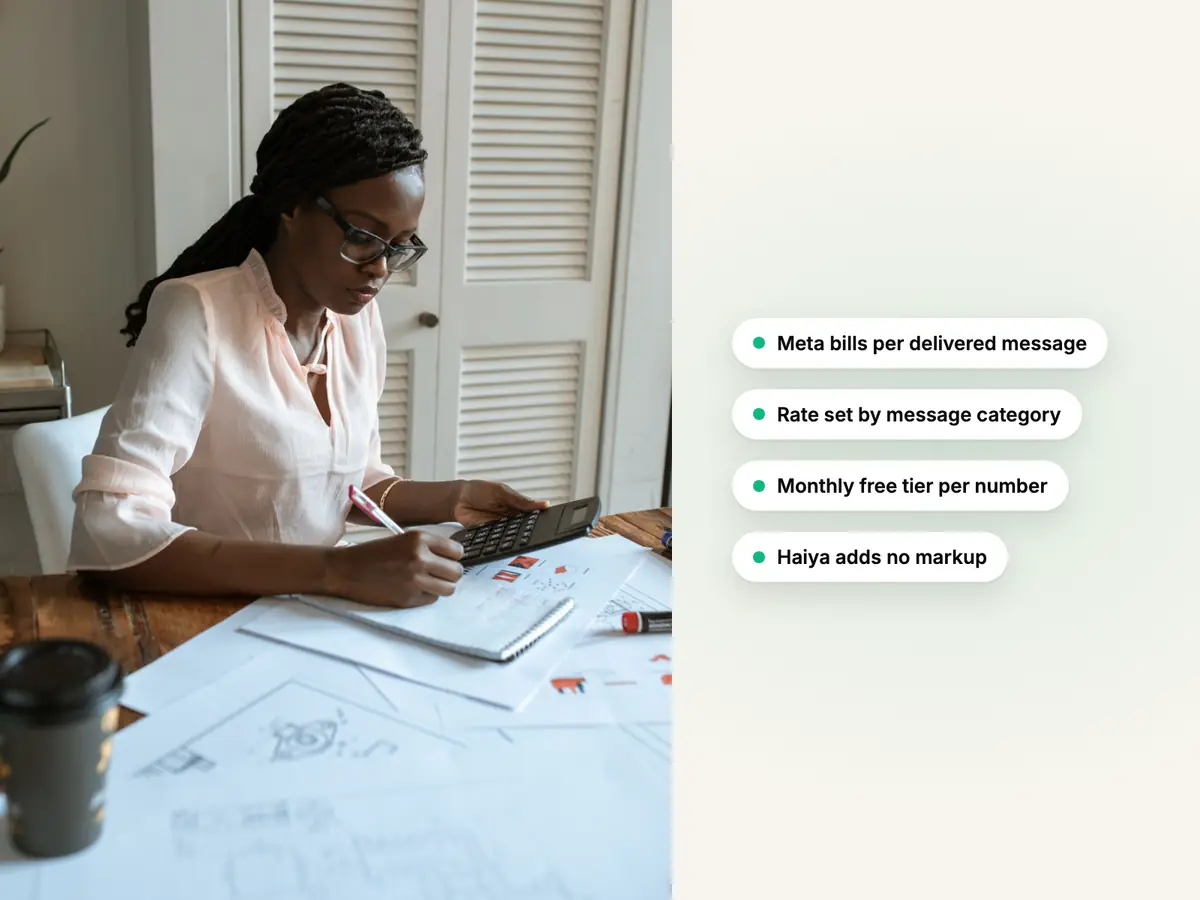
Meta charges per delivered message, by category. Since 1 October 2026, service messages are charged once a number has used its monthly free tier of 1,000 service messages, and utility messages are charged inside an open service window too. Meta bills you directly, and Haiya adds nothing: you pay us for the plan only.
Using WhatsApp for business means two bills: your Haiya plan, and Meta's message fees. Meta bills its fees to the business directly. Haiya adds no markup and never handles that money.
Meta charges for each delivered message. What a message costs depends on its category and on the country of the person who receives it.
From Meta's rate card, .
Rates differ by country, and Meta changes them from time to time.
Choose your customers' country and how many template messages you send.
What Haiya leaves out, so you can decide before you start a trial.
Haiya is WhatsApp only. There is no Instagram, Messenger, email, SMS or voice inbox, on purpose: every screen is built around how WhatsApp Business works.
There is none. Every plan is paid after a 3-day free trial through the App Store or Google Play.
Automations are built in the web dashboard. The apps run them and show you what they did.
They are never part of a Haiya plan. Meta bills them to your own payment method.
If WhatsApp, Instagram, email and calls must sit in one place, an omnichannel inbox will suit you better.
Haiya has no free plan. Every plan is paid after the trial.
There is no Shopify app and no one-click store sync. WooCommerce order lookup is built in, and Shopify and WooCommerce cart and order events arrive by webhook, with ready-made automation templates.
Haiya works on the web too, but it is designed phone-first. A team that only ever sits at desks may prefer a desktop-first tool.
How you pay
You subscribe inside the Haiya app, and the App Store or Google Play bills you. Cancel any time from your store account.
Teams on Haiya, in their own words.
At Zinen Technologies Ltd we use Haiya every day, and it has made team communication much easier. When a WhatsApp message comes in, we assign the lead to the right team member. From there, they can create a quote, send an invoice and even request payment through M-Pesa, all in one place. This has helped us a lot. We’re very satisfied and looking forward to more features.





Something else on your mind? Book a demo and ask us directly.
Haiya has three plans: Hobby at $8 a month, Professional at $39 and Business at $89. Paid yearly, they cost $80, $390 and $890. Prices are in US dollars. Larger teams can agree a Custom plan with the Haiya team.
There is no free plan. Every plan starts with a 3-day free trial that you begin in the iPhone or Android app. The store asks for a payment method when you start and charges it when the trial ends, unless you cancel before then.
You subscribe inside the Haiya app, and the App Store or Google Play bills you with the payment method on your store account. One subscription covers your whole workspace: every teammate, on every phone and on the web. Teams on a Custom plan pay by invoice.
No. Meta charges for each delivered message, by category: marketing, utility, authentication and service. Since 1 October 2026, service messages are charged once a business phone number has used its monthly free tier of 1,000 service messages, and utility messages are charged inside an open customer service window too. Messages your customers send you are not charged. Your Haiya plan is a separate bill.
There are two bills. Meta's message fees depend on the category of each message and on the country of the person who receives it; Meta publishes its rates on its developer pricing page. The second bill is the software you use the API through: with Haiya, a flat plan of $8–$89 a month, with no charge per message and no markup on Meta's fees.
The cost comes from two places: Meta's fee for each delivered message, set by category and country, and what the software you send through charges. Haiya keeps its part flat: one plan price, no charge per message, no AI credits and no markup on Meta's fees. The cost calculator estimates Meta's part for your own volume.
Meta bills its message fees to the payment method in your own Meta business account. Haiya adds no markup and never handles that money. The rates depend on the message category and the recipient's country, and Meta sets them.
After a customer messages your business, you can answer with ordinary messages for 24 hours; Meta calls this the customer service window. Each new message from the customer opens it again. Once it has closed, you can reach the customer only with an approved template. Haiya shows how long is left in every chat and offers a template when the window has closed.
Send a broadcast: an approved template to all your contacts or a tagged group, now or at a set time. Your plan sets how many recipients you can reach in a month, from 1,000 on Hobby to 50,000 on Business. Meta also sets a messaging limit: how many different people your business can reach outside an open customer service window in a rolling 24 hours, shared by the numbers in your business portfolio. It rises as your business is verified and sends good-quality messages.
A team member is any person who can sign in to your workspace, including you. A number is one WhatsApp Business phone number connected to Haiya. Hobby allows 2 team members and Business 20; the comparison table lists every limit of every plan. Customers you chat with are never counted as team members.
Yes. Change plan from Settings, then Subscription, in the app. A move to a bigger plan starts straight away: the App Store refunds the unused part of your current plan, and Google Play turns it into time on the new plan, so your next payment date moves. A move to a smaller plan starts at your next renewal. On the App Store, switching between monthly and yearly also starts at your next renewal. If you reach a limit, nothing is deleted and nothing stops working: you cannot add one more until you upgrade or make room.
Haiya does not charge for AI and sells no credits or tokens. The AI agent that answers customers is on every plan, and Meta bills its messages to your Meta payment method. The Team assistant is on Business and Custom, and runs on your own AI provider account, which bills you directly.
Subscriptions are sold by the App Store and Google Play, so refunds follow the store's policy and are requested from the store, not from Haiya. You can cancel at any time in your store account settings to stop the next renewal.
Cancel any time. You keep full access until the end of the period you paid for. After that your workspace is paused, not deleted: your conversations, contacts and settings are kept, and everything comes back when you renew.
A Custom plan is agreed with the Haiya team for businesses that need more than 10 numbers or 20 team members, or that want to pay by invoice. Book a demo and tell us what you need.
Get the app, pick a plan and connect your number. From $8 a month after the trial, and never a markup on Meta's fees.


Cookies on this site
With your permission we use analytics cookies to see how the site is used, and advertising cookies to measure our ads. Nothing is set until you choose, and you can change your mind at any time from cookie settings at the foot of the page. Privacy policy