Skip to content

Broadcasts

WhatsApp bulk message sender for teams, on the official API.

A WhatsApp broadcast sends one approved message to many opted-in contacts at once, and each person receives it as a private chat. With Haiya your team writes the template, gets it approved by Meta, sends it to all your contacts or a tagged group, schedules it and sees every delivery and read, from an iPhone or Android phone.

  • Sent on the official WhatsApp Business API, never from a personal number
  • Up to 50,000 broadcast recipients a month on the Business plan
  • Blocked and opted-out contacts are left out automatically

3-day free trial on every plan, through the App Store or Google Play. Meta bills its message fees to you directly, with no Haiya markup.

Smiling shoe shop owner in front of shelves of colourful sandals, with a reply to her WhatsApp broadcast about new arrivals
The Haiya app on a phone: the Weekend restock template is picked, the Customers audience is chosen, the broadcast is sent to 840 recipients, and the sent, delivered and read counts rise.

Built on the official WhatsApp Business API

What is a WhatsApp broadcast?

A WhatsApp broadcast is one message sent to many contacts at once, which each person receives as a private chat rather than in a group. Recipients cannot see each other, and their replies come back only to the business. Haiya sends broadcasts on the official WhatsApp Business API, which is made for larger audiences and for teams; the WhatsApp Business app has broadcast lists, which suit a handful of regular customers.

A broadcast list in the WhatsApp Business app, compared with a broadcast on the API with Haiya
WhatsApp Business appThe API, with Haiya
Who receives itOnly people who saved your number in their phoneAny contact who agreed to hear from you, saved number or not
How many peopleUp to 256 contacts in one broadcast listSet by Meta's messaging limit and your Haiya plan's monthly recipients
What you can sendAny message you typeA message template approved by Meta
Who can send itWhoever holds the phoneAny teammate whose role allows sending broadcasts, from their own login
What you see afterwardsTicks inside each separate chatDelivered and read counts for the broadcast, and the status of each recipient
What it costsThe app is free to useMeta's fee for each delivered template message, plus a Haiya plan
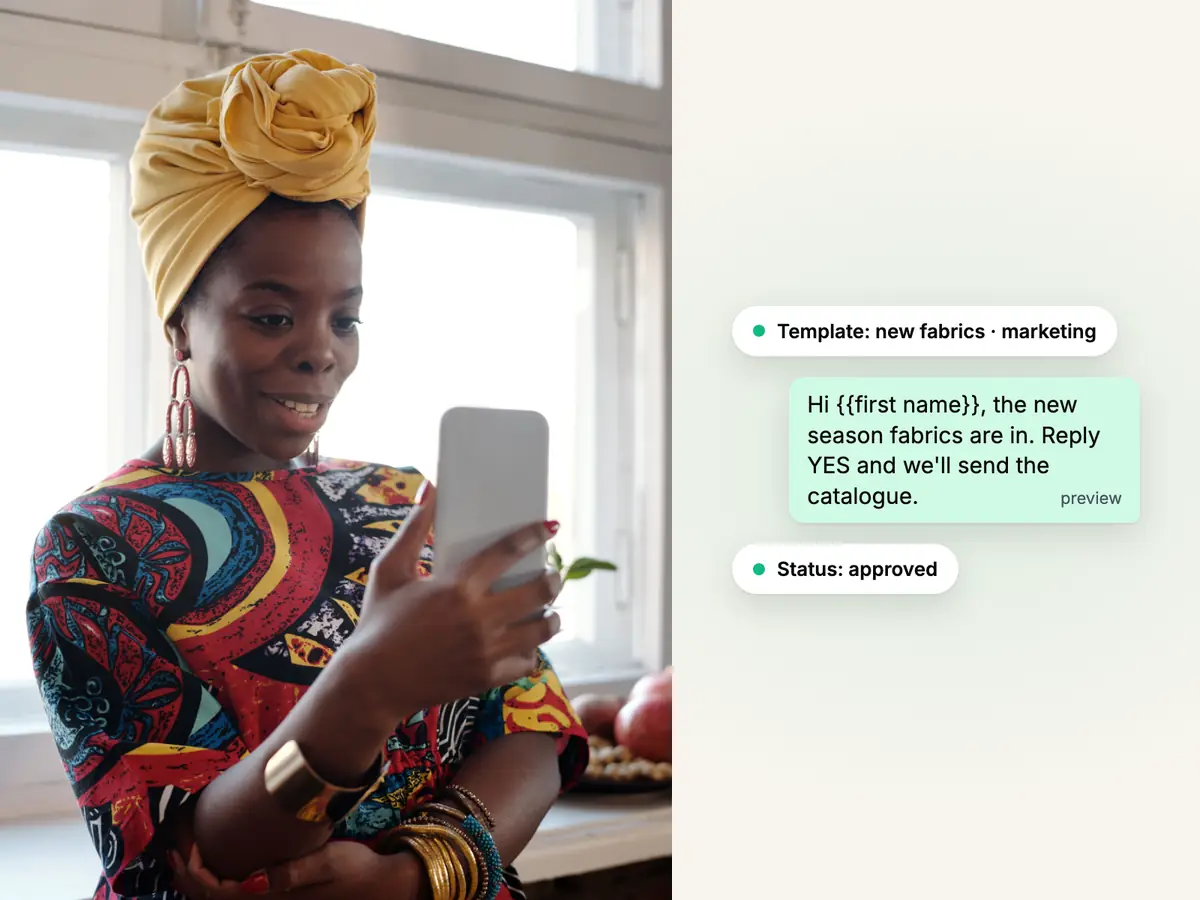
Business owner in a patterned dress and yellow headwrap writing on her phone, beside a WhatsApp message template marked approved

Templates and approval

Write the message template and get it approved without leaving Haiya.

WhatsApp only lets a business start a conversation with a message template that Meta has approved. In Haiya you write the template, send it for review and watch its status change from draft to in review to approved. You never open a Meta dashboard.

  • Marketing, utility and authentication: the same three categories Meta uses
  • Each template's review status kept in step with Meta's
  • A broadcast only ever sends an approved template
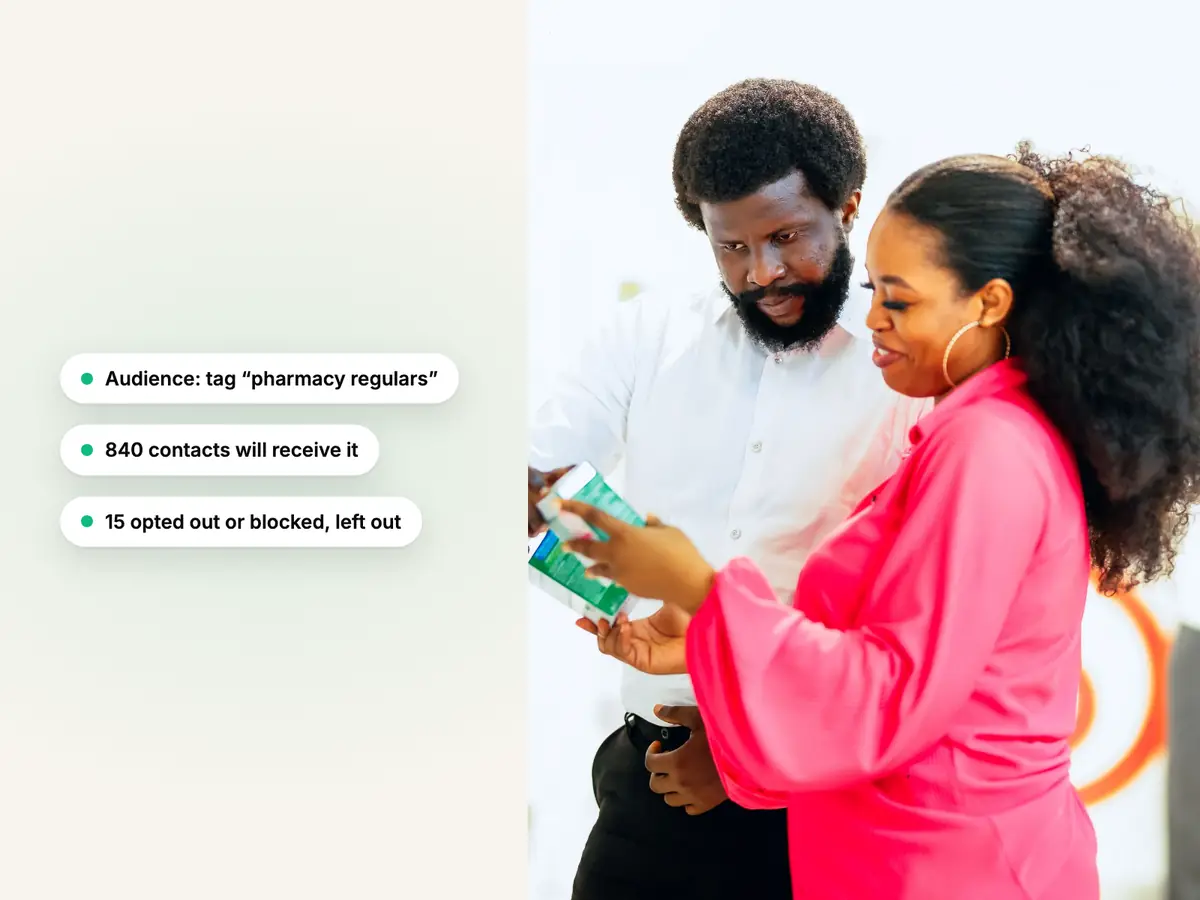
Two people choosing a product together in a pharmacy, beside a WhatsApp broadcast audience picked by tag

Audiences

Send to all your contacts or to a tagged group.

Everyone who messages your business becomes a contact you can tag. A broadcast goes to all your contacts or to a tagged group: in the apps and on the web, the contacts tagged Customers, Leads or VIP, and through the Haiya API any tag you choose. Haiya shows how many people that is before you send.

  • Blocked and opted-out contacts are left out of every broadcast automatically
  • The audience is worked out when the broadcast starts sending, so a contact tagged after you schedule it is included
  • Numbers that WhatsApp has refused twice are left out too
Contacts, tags and the CRM
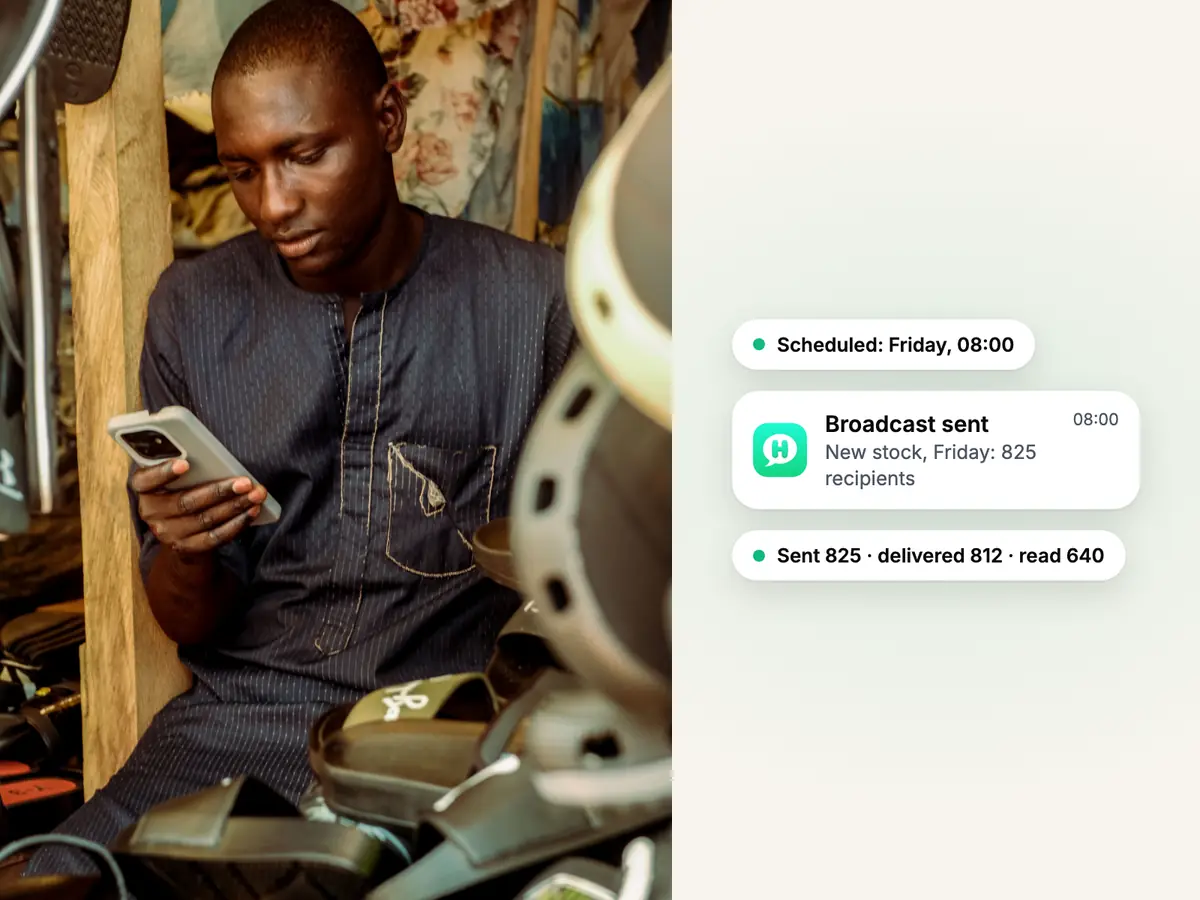
Trader in traditional dress checking his phone among the sandals in his shop, beside a scheduled WhatsApp broadcast and its delivery

Scheduling and delivery

Send now or schedule it, then see every delivery and read.

Send a broadcast straight away or pick a date and time. Once it goes out, Haiya counts how many people it was delivered to and read by, and shows the status of each recipient, with the reason when a message fails.

  • Cancel a scheduled broadcast any time before it starts sending
  • Duplicate a broadcast to reuse its template and audience
  • Counts update while the broadcast is going out
See plans and limits
The Haiya app on a phone: a new chat from Amara Okafor arrives in the chats list, Daniel Mensah opens it, takes it and replies, and the reply is read.

Replies

Replies land in your normal inbox, in the customer's own conversation.

A broadcast that works starts conversations. Each reply arrives in the customer's own chat in the shared inbox, under the template you sent, and the customer's owner is the teammate already looking after them; owners and admins assign anyone who has none.

  • Each teammate signs in as themselves and sees the numbers they work on
  • A private team thread sits beside every customer chat
  • For 24 hours after the customer's last message you can answer in your own words, without a template
Explore the shared team inbox

Send a broadcast from your phone, on iPhone or Android.

Writing a template, building a broadcast, choosing the audience, sending or scheduling it and reading the results all work in the native apps.

Templates in the app
Write a template, send it for review and follow its status to approved.
Build and send
Pick the template and the audience, then send now or schedule it.
Results per recipient
Delivered and read counts, and the status of each person, as they come in.
Also on the web
The same broadcasts on a bigger screen, for the days you are at a desk.
The Haiya app on a phone: a broadcast with the Weekend restock template is sent to Customers, 840 recipients, and the sent, delivered and read counts rise.

How to send bulk messages on WhatsApp with Haiya.

Three steps, once your number is connected. The first broadcast waits on one thing: Meta approving your template.

  1. Pick an approved template

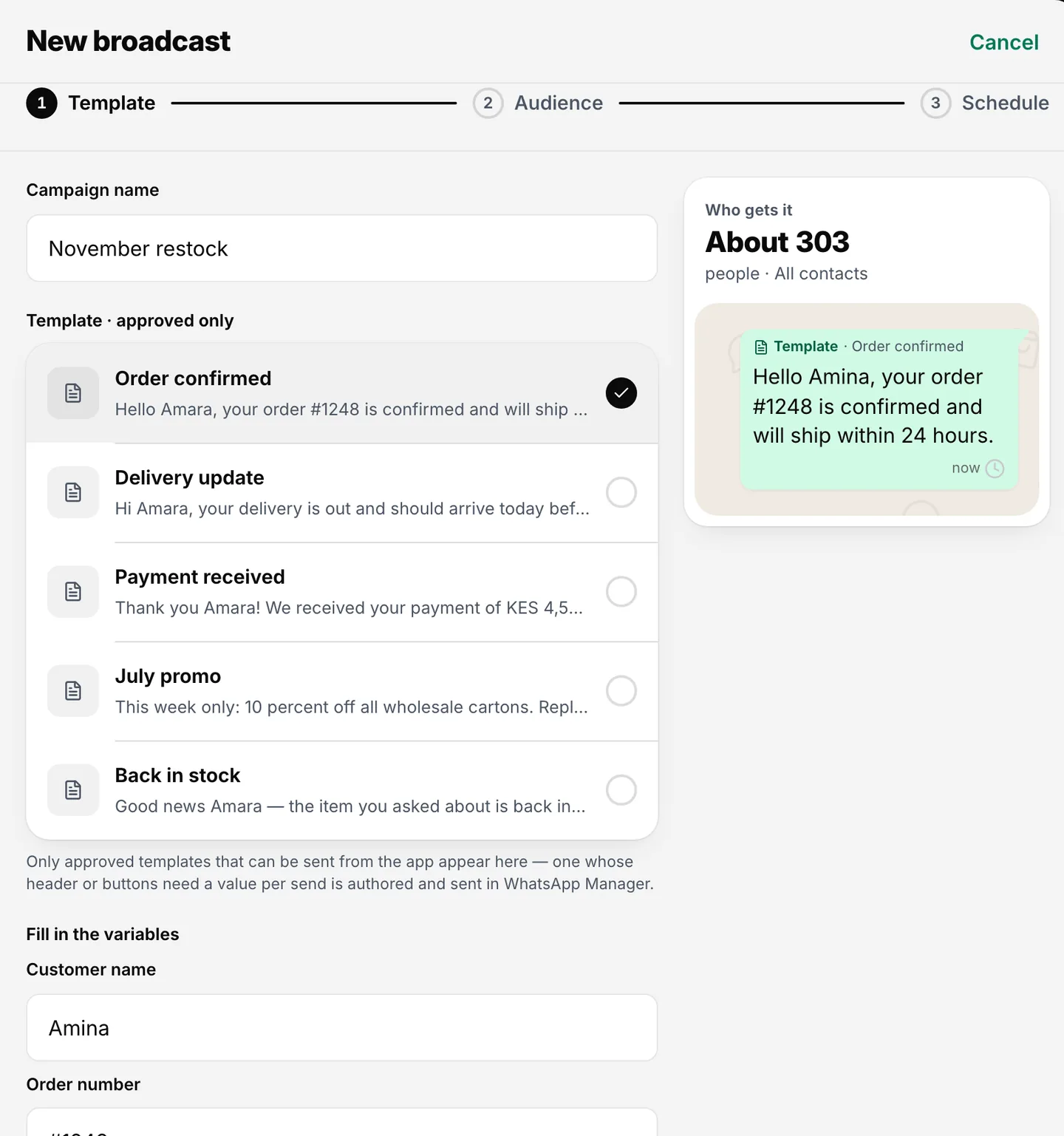
    Choose a template Meta has already approved, or write a new one and send it for review from the same screen.

    Broadcast editor with a template chosen, its variables filled and a message preview
    Pick an approved template and fill in its variables.
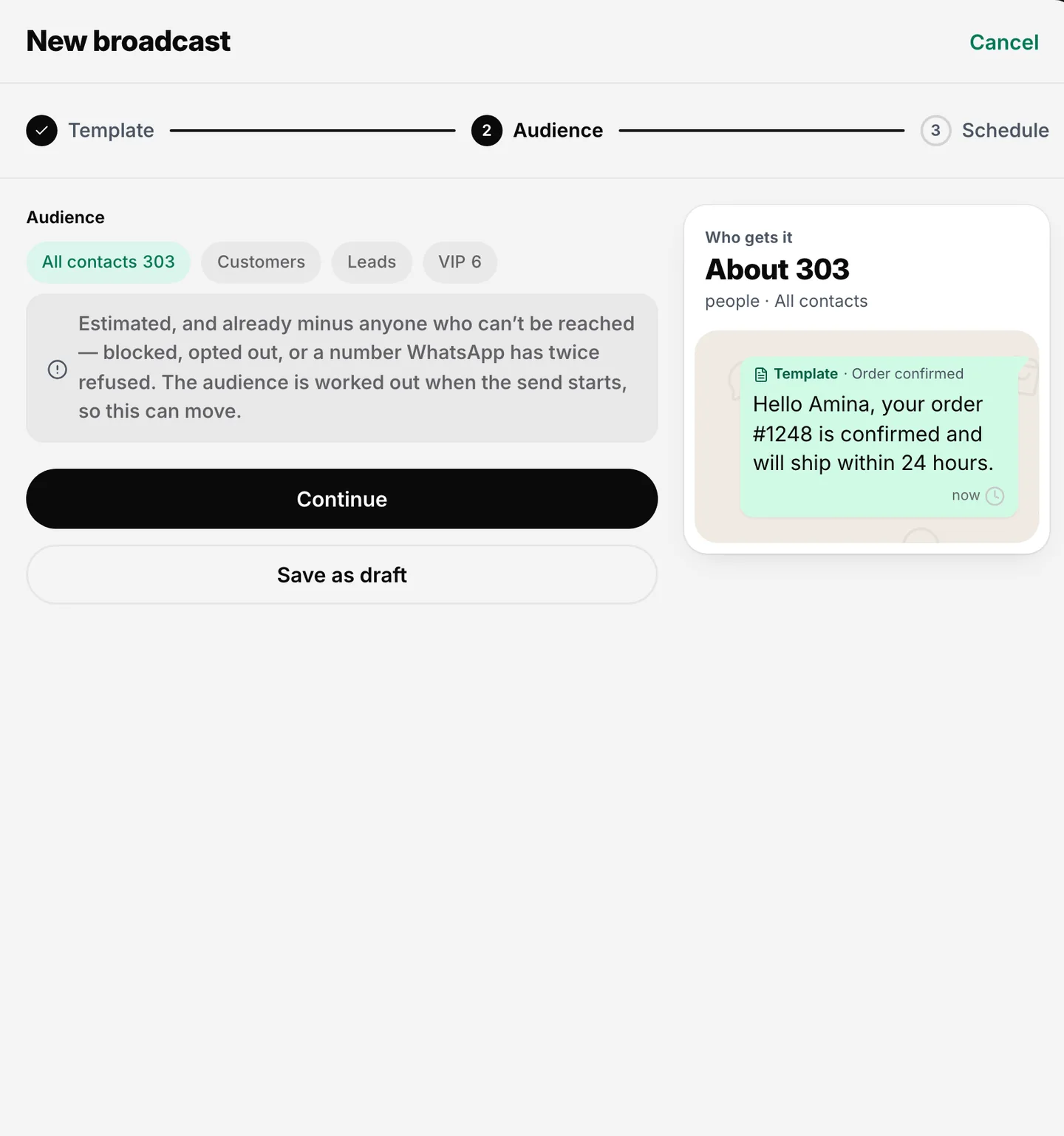
  2. Choose your audience

    Pick all your contacts or a tagged group. Haiya leaves out blocked and opted-out contacts and shows how many people will receive it.

    Broadcast audience step with all contacts selected and tag options beside it
    Send to all your contacts or to a tagged group.
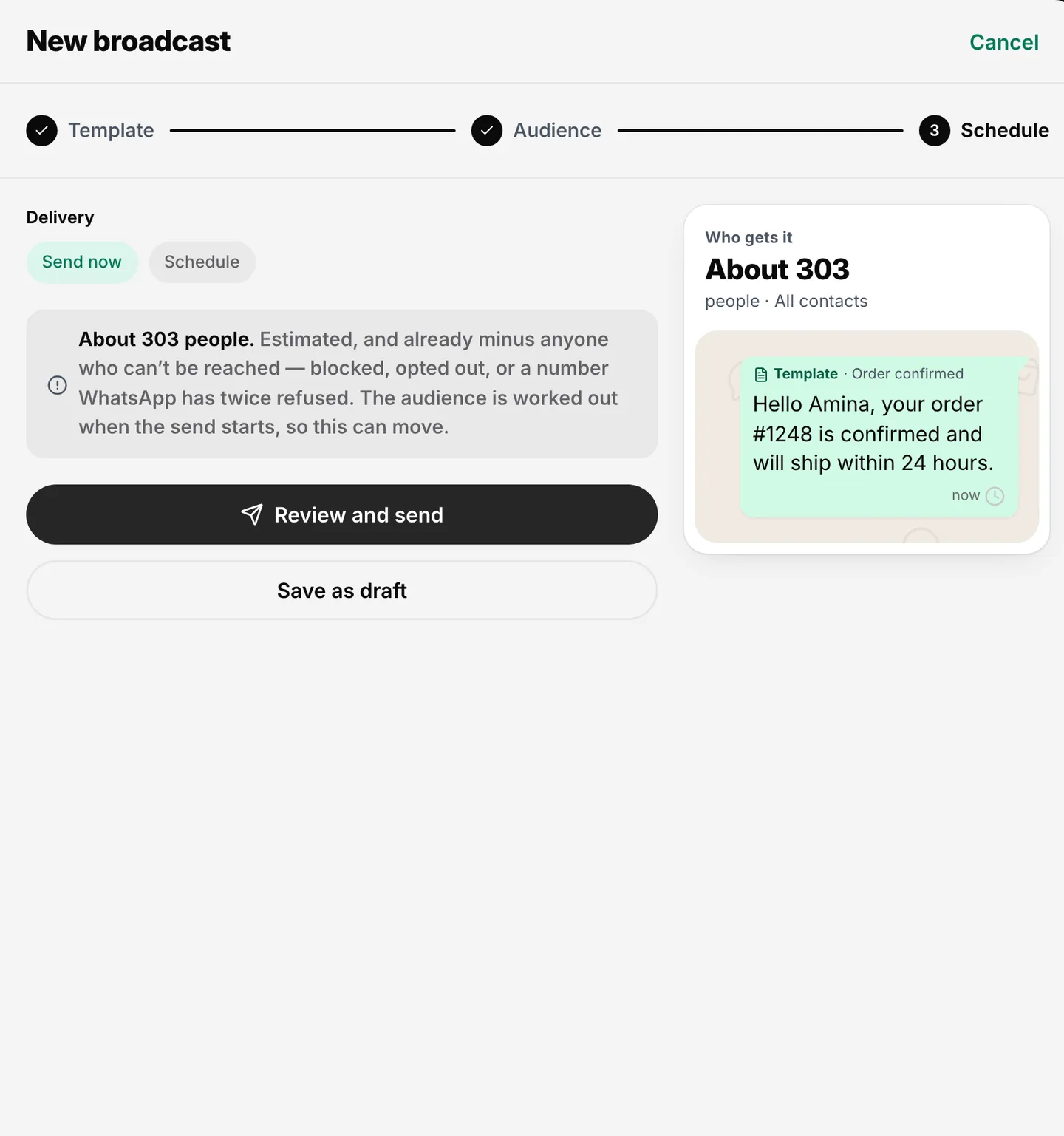
  3. Send or schedule, then follow up

    Send now or set a date and time. Watch the delivered and read counts, and answer replies in the shared inbox.

    Broadcast schedule step with Send now selected and a Review and send button
    Send now or schedule it for later.

WhatsApp broadcast rules and limits.

Some rules come from Meta and apply on every platform. One limit is Haiya's.

  • People must opt in first

    WhatsApp requires a business to get a person's agreement before messaging them, and to say clearly which business they are agreeing to hear from. Haiya leaves out anyone who opted out or blocked you; collecting the opt-in is your job.

  • Broadcasts use approved templates

    A business can start a conversation only with a message template, and a template must be approved before it can be sent. Every template is marketing, utility or authentication, and Meta reviews each one.

  • The 24-hour window

    When a customer messages you, a 24-hour customer service window opens, and each new message from them starts it again. While it is open you can answer in your own words; once it closes, only a template can be sent.

  • Meta sets how many people you can reach

    Meta gives each business a messaging limit: how many different people it can send templates to, outside an open window, in a moving 24-hour period. The limit starts low and Meta raises it as you send messages people want. Haiya cannot raise it for you.

  • Haiya's limit: broadcast recipients per month

    Each plan includes broadcast recipients per calendar month (UTC), from 1,000 on Hobby to 50,000 on Business. Each person a broadcast goes to counts once. If a broadcast would go over, Haiya refuses the whole broadcast rather than sending to part of your audience.

What businesses send as WhatsApp broadcasts.

Six example templates to adapt. Meta decides each template's category when it reviews it.

  • Shops: back in stock

    "The canvas high-tops are back in every size. Reply ORDER and we will hold a pair for you."

  • Restaurants: a weekend offer

    "This weekend only: grilled tilapia for two, with a starter on the house. Reply BOOK to reserve a table."

  • Clinics: extra opening hours

    "The clinic is open this Saturday from 09:00 to 13:00. Reply 1 to book a visit."

  • Schools: term dates

    "Term starts on Monday 7 September. Reply FEES and we will send the fee schedule."

  • Transport: a timetable change

    "From 1 July the 07:00 Nairobi to Mombasa coach leaves at 07:45. Reply HELP to change your booking."

  • Services: renewals

    "Motor policies due in June can be renewed on WhatsApp this year. Reply RENEW and an agent will send the details."

Who it is for

Haiya suits you if

  • You run the business yourself and want to reach your regular customers at once
  • A small team shares one or more WhatsApp numbers
  • Your customers already chat with you on WhatsApp and have agreed to hear from you
  • You want to send, and answer the replies, from your phone

Look elsewhere if

  • You want to message people who never agreed to hear from you
  • You want to send from a personal WhatsApp number with an unofficial tool
  • You need email, SMS and other channels in one campaign tool

Which plans include it

What each Haiya plan includes for this feature
FeatureHobbyProfessionalBusinessCustom
Broadcast recipients per monthHow many people you can send broadcasts to in a calendar month. Each person a broadcast goes to counts once. Replies and one-to-one chats never count.1,00010,00050,000Custom
Message templatesWrite a template, send it to WhatsApp for approval and track its status without leaving Haiya.IncludedIncludedIncludedIncluded
Broadcasts with schedulingSend an approved template to a chosen audience now or at a set time.IncludedIncludedIncludedIncluded
Opt-outs and exclusions respectedPeople who asked not to be messaged, and any group you exclude, are left out of every broadcast automatically.IncludedIncludedIncludedIncluded
Status for every recipientSee who a broadcast was sent to, delivered to and read by, and who it failed for.IncludedIncludedIncludedIncluded

Reviews on Trustpilot

What customers say about Haiya.

Written by businesses that use Haiya, on Haiya's public Trustpilot page. Each one links to the original review.

  • At Zinen Technologies Ltd we use Haiya every day, and it has made team communication much easier. When a WhatsApp message comes in, we assign the lead to the right team member. From there, they can create a quote, send an invoice and even request payment through M-Pesa, all in one place. This has helped us a lot. We’re very satisfied and looking forward to more features.

    James MwangiDirector, Zinen Technologies, KenyaTrustpilot,
    Read the storyZinen Technologies
  • Already use Haiya?

    Tell other teams how it went

    Read every review on Trustpilot · 1 review

Questions about WhatsApp bulk messaging.

Meta sets and bills its own message fees. From Meta's rate card, .

How do I send bulk messages on WhatsApp?

To send bulk messages on WhatsApp to more than a handful of people, a business uses the official WhatsApp Business API through a platform such as Haiya. You connect your number inside Haiya, get a message template approved by Meta, choose the contacts who agreed to hear from you, and send. Each person receives the message as a private chat from your business number.

How do I send 10,000 messages in WhatsApp?

Sending 10,000 WhatsApp messages needs two things: a messaging limit from Meta that is high enough, and a plan that covers the volume. Meta's limit counts how many different people you can send templates to in a moving 24-hour period, and Meta raises it as you send messages people want. In Haiya, the Professional plan includes 10,000 broadcast recipients a month and the Business plan 50,000.

What is the WhatsApp broadcast limit?

There are two different limits. In the WhatsApp app, a broadcast list holds up to 256 contacts, and only people who saved your number receive it. On the WhatsApp Business API, Meta sets a messaging limit for each business that grows over time. Haiya adds a monthly allowance of broadcast recipients that depends on your plan.

Can I send a WhatsApp message to multiple contacts without a broadcast list?

Yes. With the WhatsApp Business API you do not need a broadcast list, and recipients do not need to have saved your number, though they must have agreed to hear from you. In Haiya you send one approved template to all your contacts or to a tagged group.

Is a WhatsApp bulk message sender allowed by WhatsApp?

It is allowed when it uses the official WhatsApp Business API, sends templates approved by Meta and messages only people who opted in. Tools that automate the WhatsApp app or WhatsApp Web from a personal number are against WhatsApp's terms. Haiya uses only the official API, and Meta's policies still apply to what you send.

How much does a WhatsApp broadcast cost?

A WhatsApp broadcast has two costs. Meta charges for each delivered template message, at a rate set by the template's category and the recipient's country, and bills your business directly. Haiya charges a flat plan from $8 a month and adds no markup to Meta's fees.

Can I send a WhatsApp newsletter to my customers?

Yes. A WhatsApp newsletter is a regular broadcast: a marketing template sent on a schedule to contacts who agreed to receive it. In Haiya you can duplicate last month's broadcast, change the template and schedule it again.

What happens when a customer replies to a broadcast?

The reply arrives in your normal Haiya inbox, in the customer's own conversation, under the template you sent. The customer's owner, or an owner or admin if nobody owns them yet, picks it up, and the rest of the team can see who is handling it. For 24 hours after the customer's message you can answer in your own words, without a template.

Send your first WhatsApp broadcast from your phone.

Start in the app today: 3 days free, then from $8 a month.

See what customers say on Trustpilot
  • Get it on Google Play
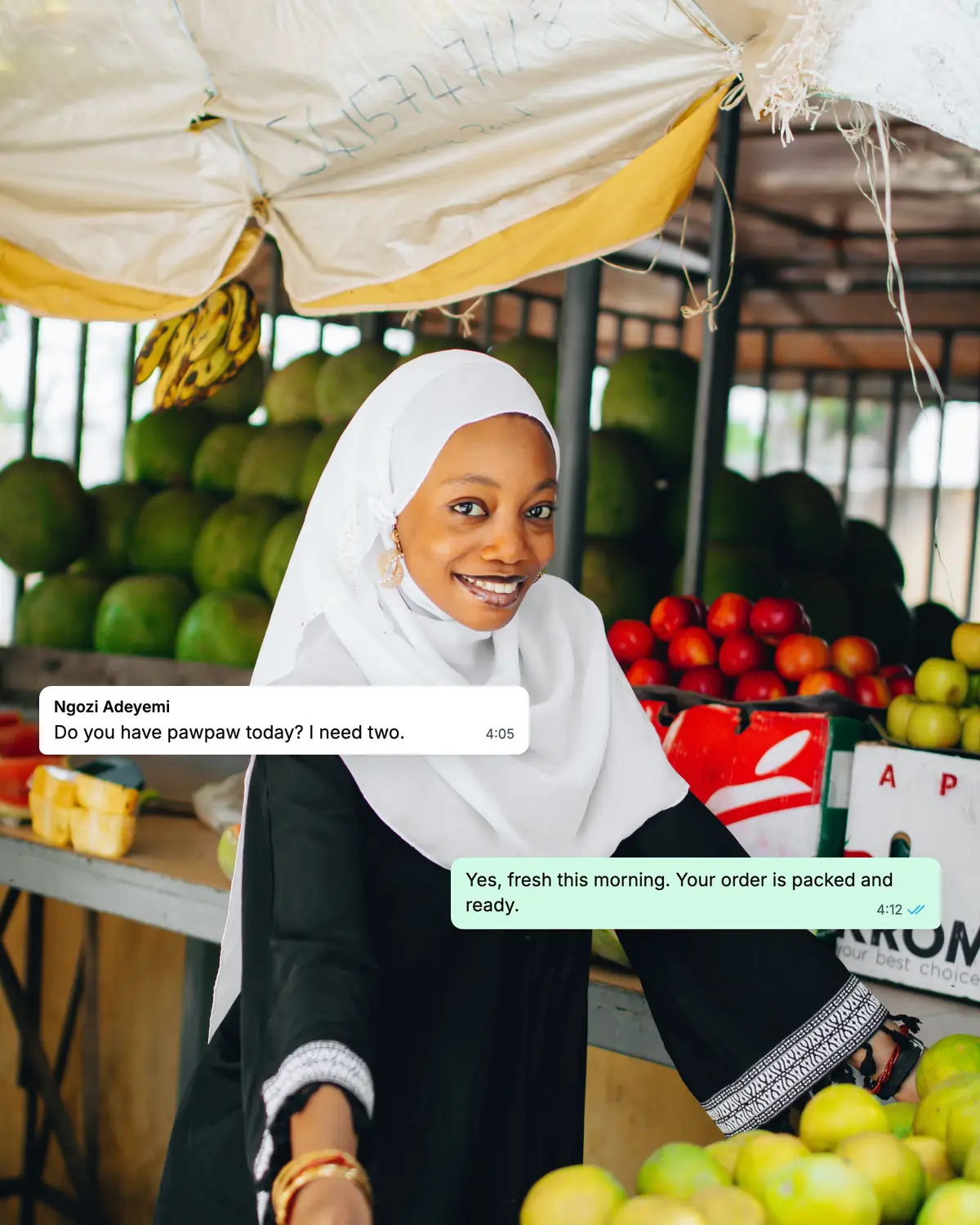
Smiling market trader in a white hijab at her fruit stall, beside a WhatsApp chat about an order of pawpaw