Compare
WhatsApp Business solution providers, compared.
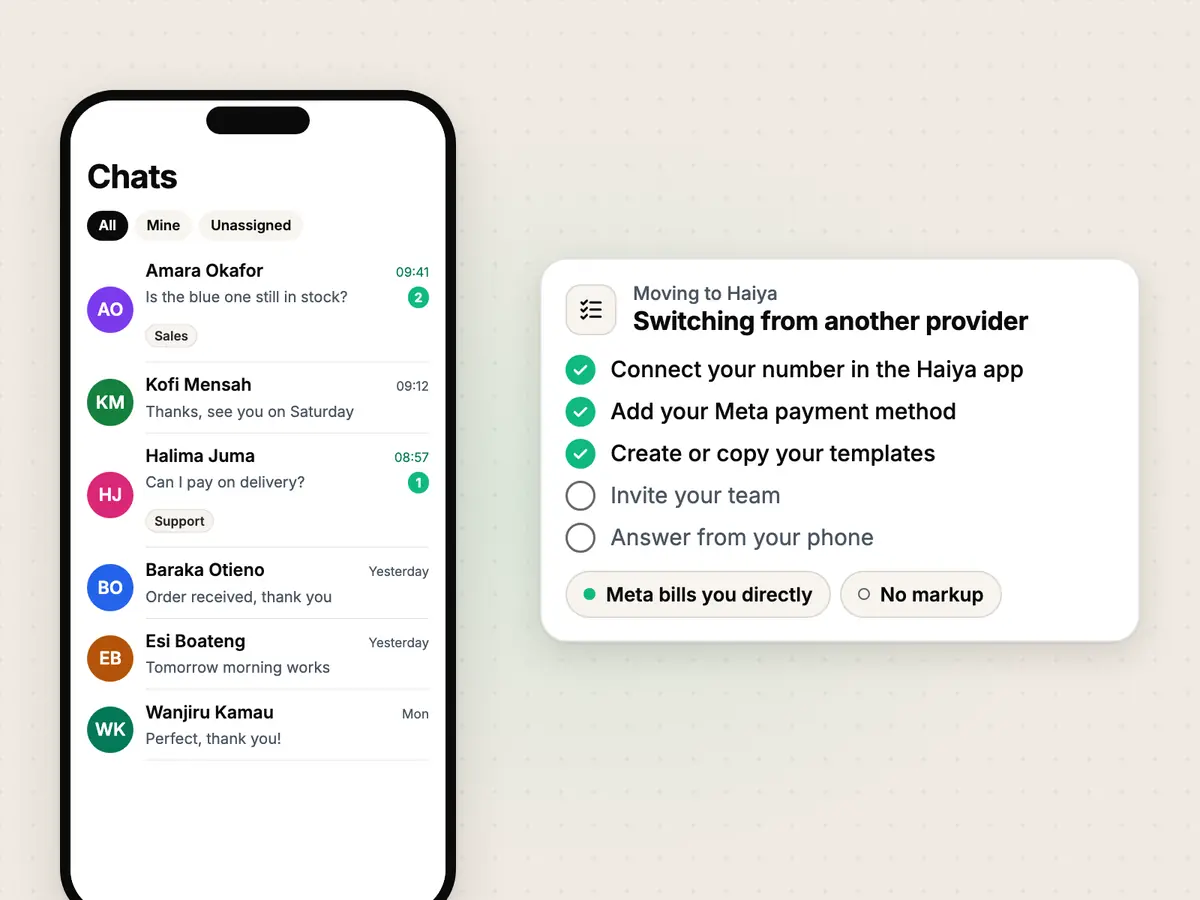
Haiya is a WhatsApp Business solution for small teams, on the official WhatsApp Business API, with native iPhone and Android apps. These pages compare it with the other ways to run WhatsApp for a business. Each page says where the other choice is better.
Every comparison.
One page per choice, each saying where the other choice is better.
- respond.io alternativeStay with respond.io if you answer customers on many channels, such as Instagram, Messenger, TikTok, email and SMS, and by phone call, or need its HubSpot and Salesforce connectors.
- Wati alternativeStay with Wati if you answer customers on Instagram, Facebook, TikTok or by phone call as well as WhatsApp, or need its HubSpot or Salesforce connectors.
- WhatChimp alternativeStay with WhatChimp if you want Instagram, Facebook and website chat in the same inbox, SMS broadcasts, or the WhatsApp Business app kept on your number.
- Business app vs APIStay on the free WhatsApp Business app if you answer customers yourself, from one phone: Meta built it for the small business owner.
Three ways to run WhatsApp for a business.
Haiya, the free WhatsApp Business app, and a multi-channel suite, side by side.
| What you get | Haiya | The WhatsApp Business app | A multi-channel suite |
|---|---|---|---|
| Channels | WhatsApp only | WhatsApp only | WhatsApp plus other channels, such as Instagram, Messenger or email |
| How it connects | The official WhatsApp Business API | Meta’s own app on your phone, not the API | The official WhatsApp Business API |
| Who signs in | Each teammate, with their own account | One shared account on one phone, plus up to four linked devices (up to 10 with Meta's paid plans) | Each agent, with their own account |
| Sending to many people | Approved template broadcasts to all your contacts or a tagged group, with a status for each recipient | Broadcast lists of up to 256 contacts, which reach only people who saved your number. Paid business broadcasts in some countries | Approved template broadcasts |
| Automatic replies | Automations and WhatsApp forms, built on the web and watched in the apps | A greeting message, an away message and quick replies | Varies by vendor |
| Message fees | Meta’s rates, paid to Meta directly. Haiya adds nothing | No per-message fee for ordinary chats. Business broadcasts, where offered, are paid per delivered message | Meta’s rates. Billing and any markup vary by vendor |
| Price | Paid plans from $8 a month after a 3-day store trial with a card. No free plan | Free to download | Varies by vendor |
Questions about these comparisons.
How do you compare Haiya with other WhatsApp tools?
We take what we say about another product from its own public pages: its help centre, its pricing page or its app store listing. Prices and plans can differ by country, so each comparison says which month its details are from.
Why do you say where another product is better?
Because for some teams it is. Each comparison has a section on where the other choice is better, straight after the summary table.
Does Haiya add a markup to Meta's message fees?
No. Under Meta's rate card (November 2026), Meta charges per delivered message, by category, and each WhatsApp number has a monthly free tier of 1,000 service messages. Meta bills your own payment method directly, and Haiya adds nothing to it. The pricing calculator on this site models Meta's current rates.
Try Haiya on your own WhatsApp number.
Start in the iPhone or Android app with a 3-day trial through the store, with a card, then from $8 a month.
“…we use Haiya every day, and it has made team communication much easier.”