What is WhatsApp automation?
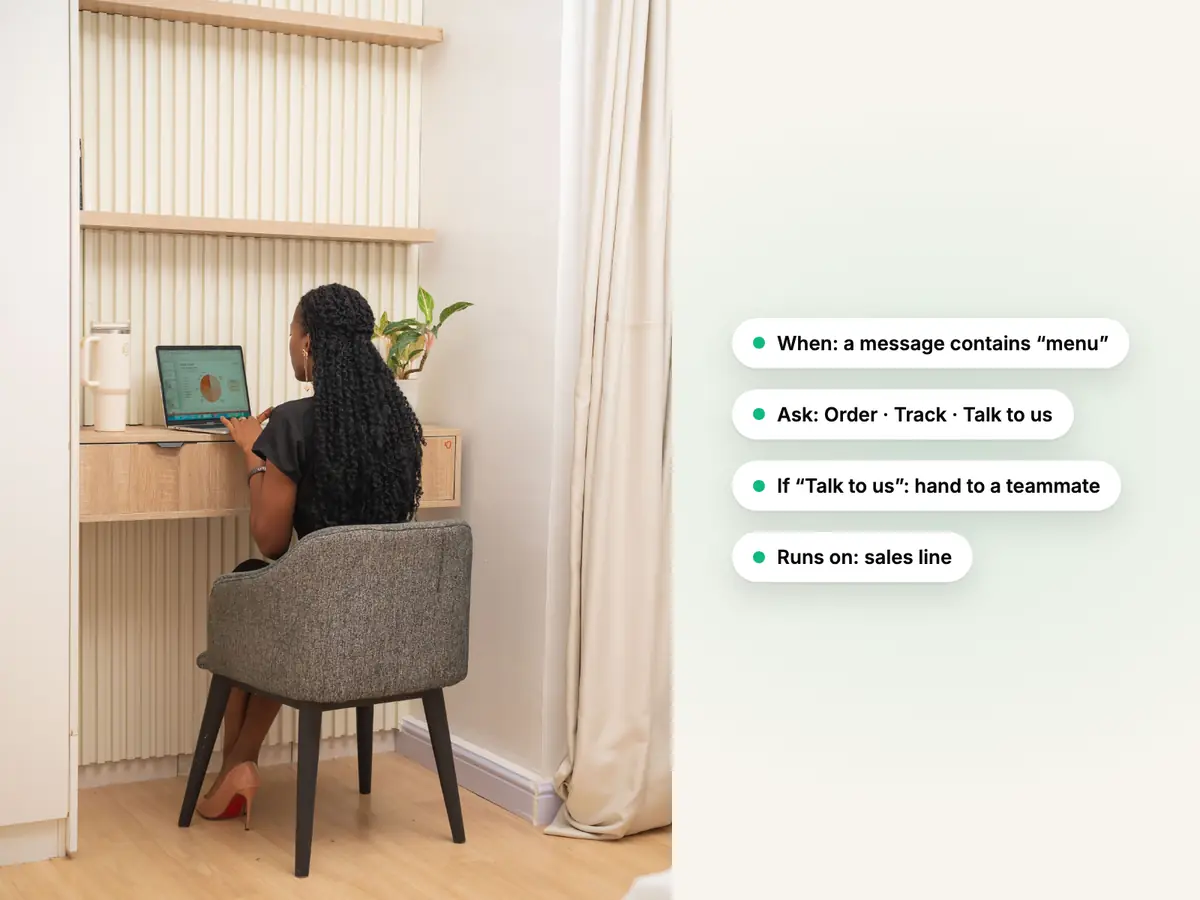
WhatsApp automation is a set of steps that runs by itself on a WhatsApp Business number when something happens, such as a keyword, a customer's first message or a shop order changing. The steps send messages, ask questions, wait, choose a path and hand the chat to a person. In Haiya you build automations on the web and your team uses and watches them in the iPhone and Android apps.
Can I automate WhatsApp messages without the API?
Partly. The WhatsApp Business app can send a greeting message and an away message from the phone, which needs an internet connection to send them. Automations with several steps, WhatsApp forms and calls to your own system need the official WhatsApp Business API, through a platform such as Haiya.
What is the difference between a WhatsApp chatbot and WhatsApp automation?
A WhatsApp chatbot is an automation that holds a conversation: it asks and answers. Automation is wider and also covers reminders, order updates and handing work to your team. In Haiya, an automation follows the steps you draw. Haiya AI's AI agent is separate: it answers customers from your own knowledge on the numbers where you put it first, and an automation can hand a chat to it.
Can I build WhatsApp automations on my phone?
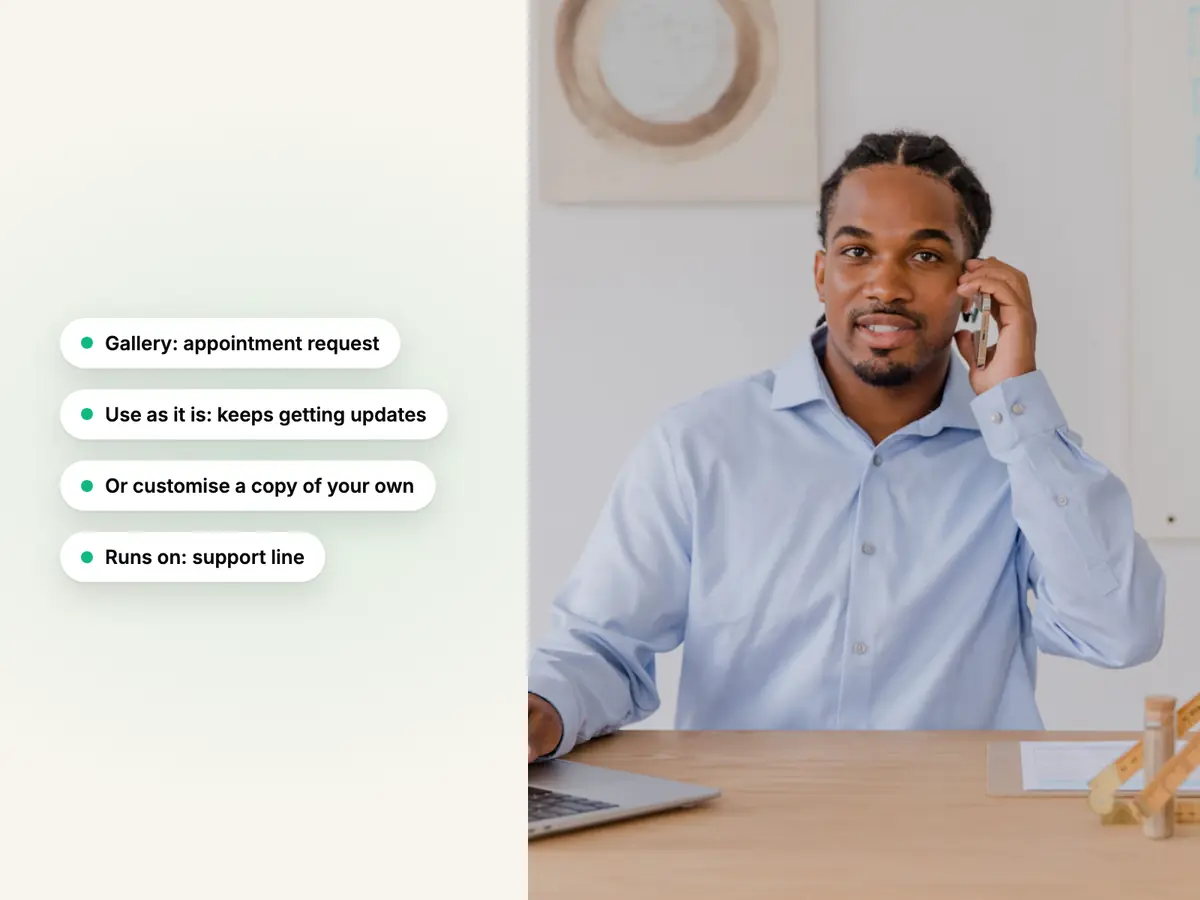
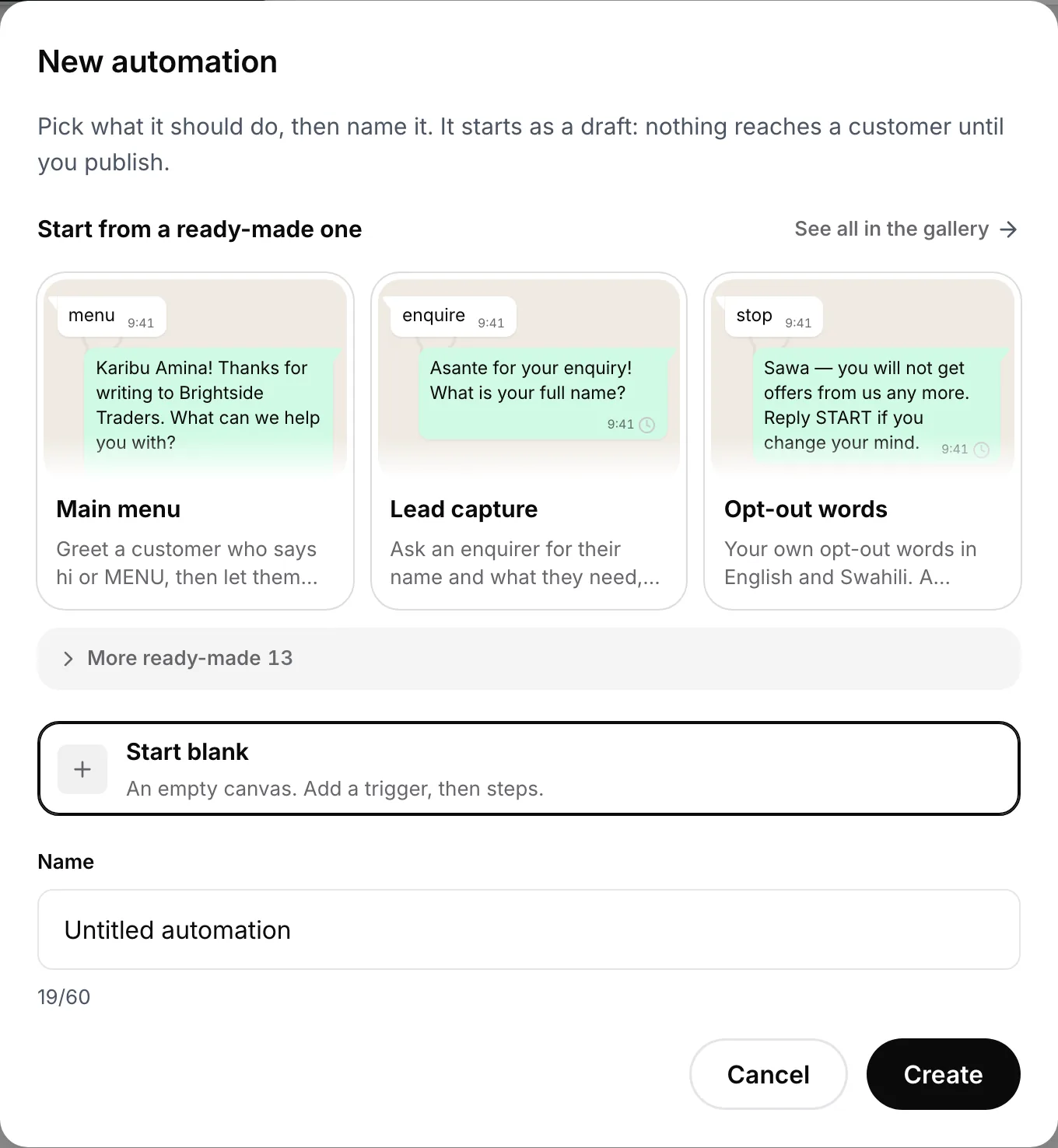
No. In Haiya, automations are built and changed in the web dashboard. The iPhone and Android apps use them: a teammate can start a published automation from a chat, send a WhatsApp form, see what is running for a customer, stop it, and hand the chat back after taking over.
Is WhatsApp automation allowed?
Yes, when it runs on the official WhatsApp Business API, messages only people who agreed to hear from you and starts conversations with approved templates. Tools that automate the WhatsApp app or WhatsApp Web from a personal number are against WhatsApp's terms. Haiya uses only the official API, and Meta's policies still apply to what your automations send.
How much does WhatsApp automation cost with Haiya?
Automations are included on every Haiya plan, from $8 a month; the plans differ in how many automations can be switched on at once. Separately, Meta charges per delivered message, by category, and each number has a monthly free tier of 1,000 service messages. Meta bills your business directly, and Haiya adds no markup.
Can I test an automation before customers see it?
Yes. In the test console you type what a customer might send and see which trigger would start and which path it would take, with nothing sent. A dry run walks every step with a sample customer, and "Test on my phone" sends the real messages to your own number. Nothing reaches a customer until you publish.
Can an automation send data to my own system or my shop?
Yes. The "Call another system" step calls your system over HTTPS and saves parts of its reply, and your system can start an automation by calling a webhook address. WooCommerce order lookup is built in. Shopify and WooCommerce cart and order events reach Haiya by webhook and drive ready-made reminder and order-update automations. Zapier, Make and n8n connect through Haiya's API and webhooks, using their own webhook steps.
What happens when a customer wants to talk to a person?
An automation can hand the chat to a teammate at any step, for example when the customer taps a button for a person. And whenever a teammate replies, the automation stops in that chat, so the person always wins. The team can hand the chat back to automations when they are done.