Can I use an authenticator app or a text message instead?
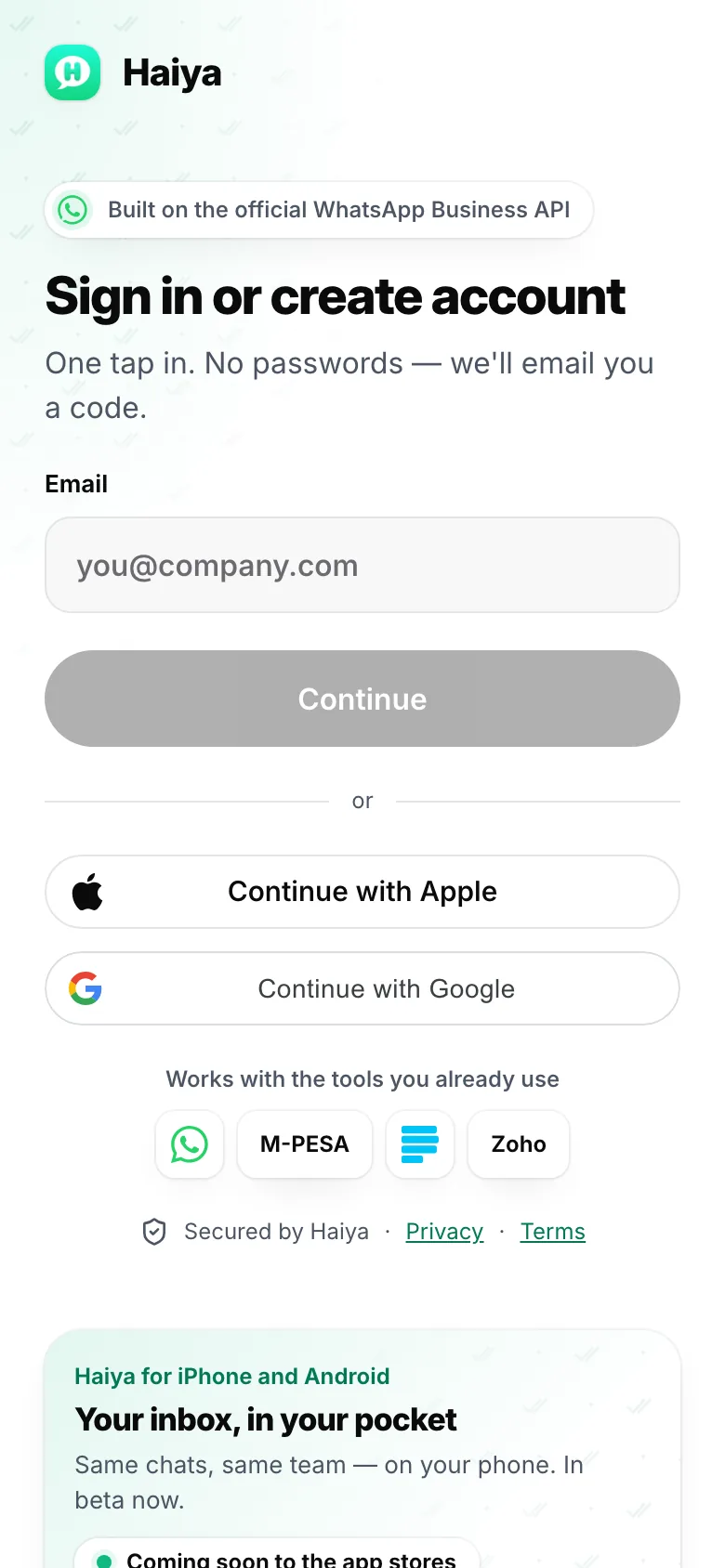
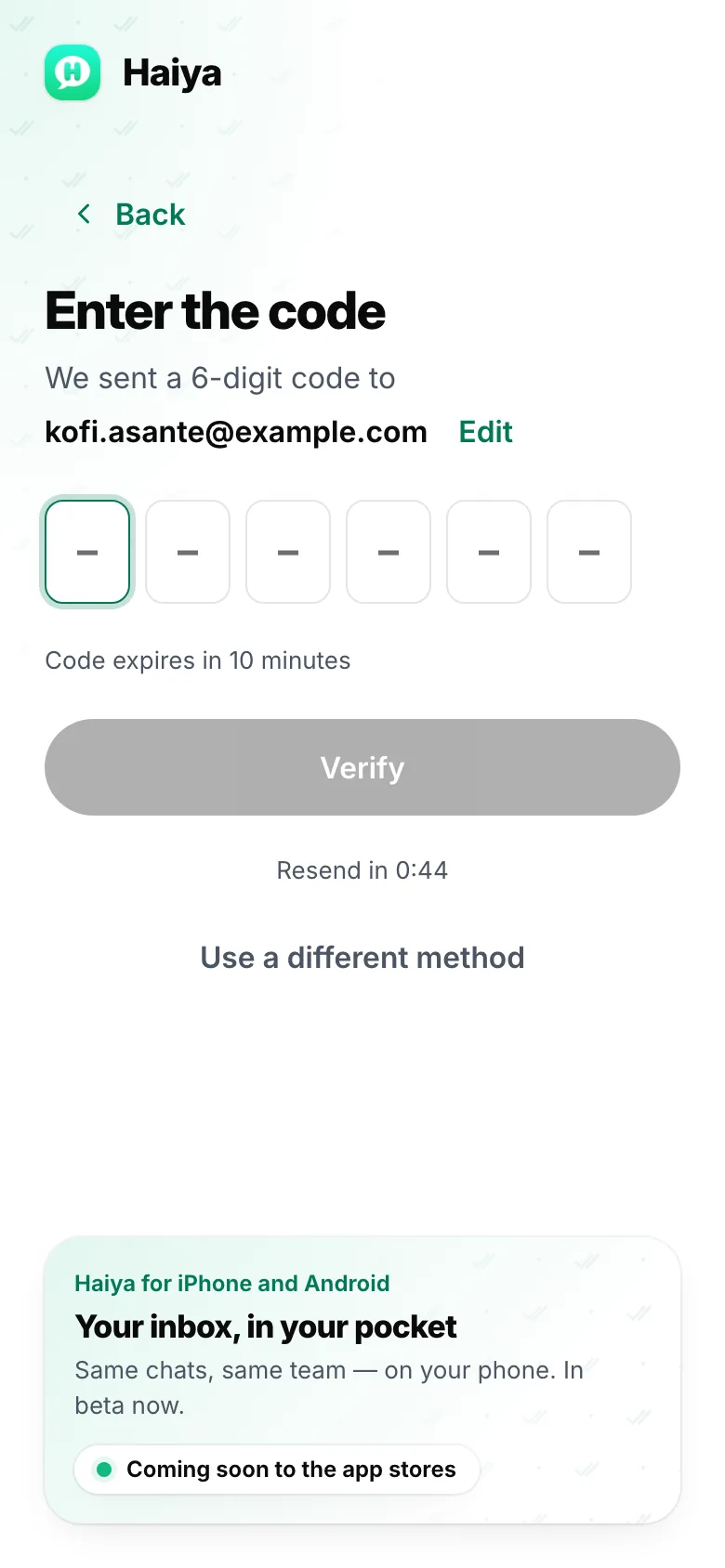
No. Haiya sends sign-in codes by email only. On iPhone and Android you can add a second lock to the app itself: in Privacy & security, App lock sets a six-digit passcode, with Face ID or your phone’s biometrics where it has them.
What if I sign in with Google or Apple?
Google or Apple confirms it’s you, so Haiya doesn’t email a code. There is one exception: the first time a Google or Apple account joins an existing Haiya account or invite with an address Google or Apple doesn’t manage, such as a work address on a personal Google account, Haiya emails a six-digit code to that address once.
Why does every teammate sign in as themselves?
Each teammate has their own email and their own code, so Haiya always knows who sent a message or changed a customer. See how the shared team inbox works.